If the location shown is still incorrect, you can manually update your home location. Location access must be enabled on all devices, including TVs, to comply with league broadcasting rules
Go to Account > Location > Change Home Location.
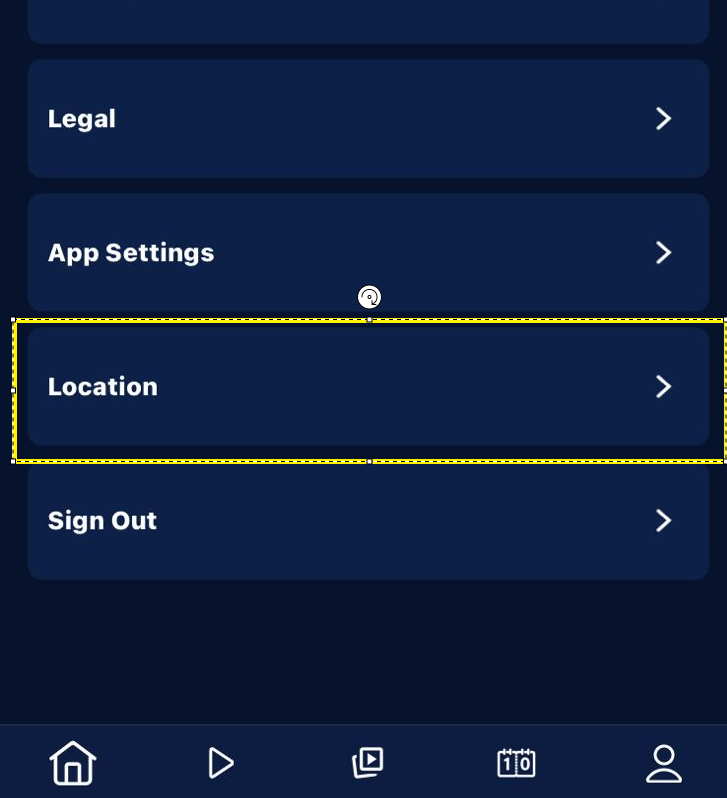
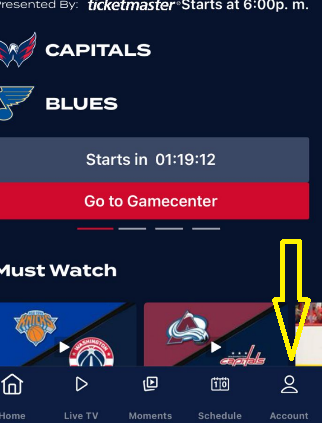
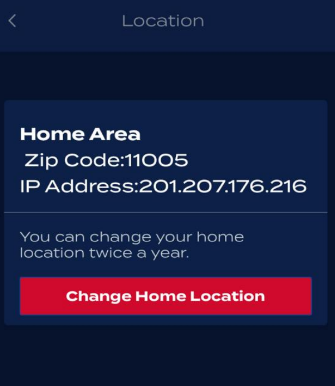
Select your correct home location and then tap Confirm.
Please note that you can change your home location up to twice a year.
Was this article helpful?
That’s Great!
Thank you for your feedback
Sorry! We couldn't be helpful
Thank you for your feedback
Feedback sent
We appreciate your effort and will try to fix the article